
Capture Leads
Bring customer details and lead sources into focus.
Smart tools for Real Estate sales teams
Queue Sync Ai helps real estate businesses capture leads, assign work, track follow-ups and manage projects and teams from one place.
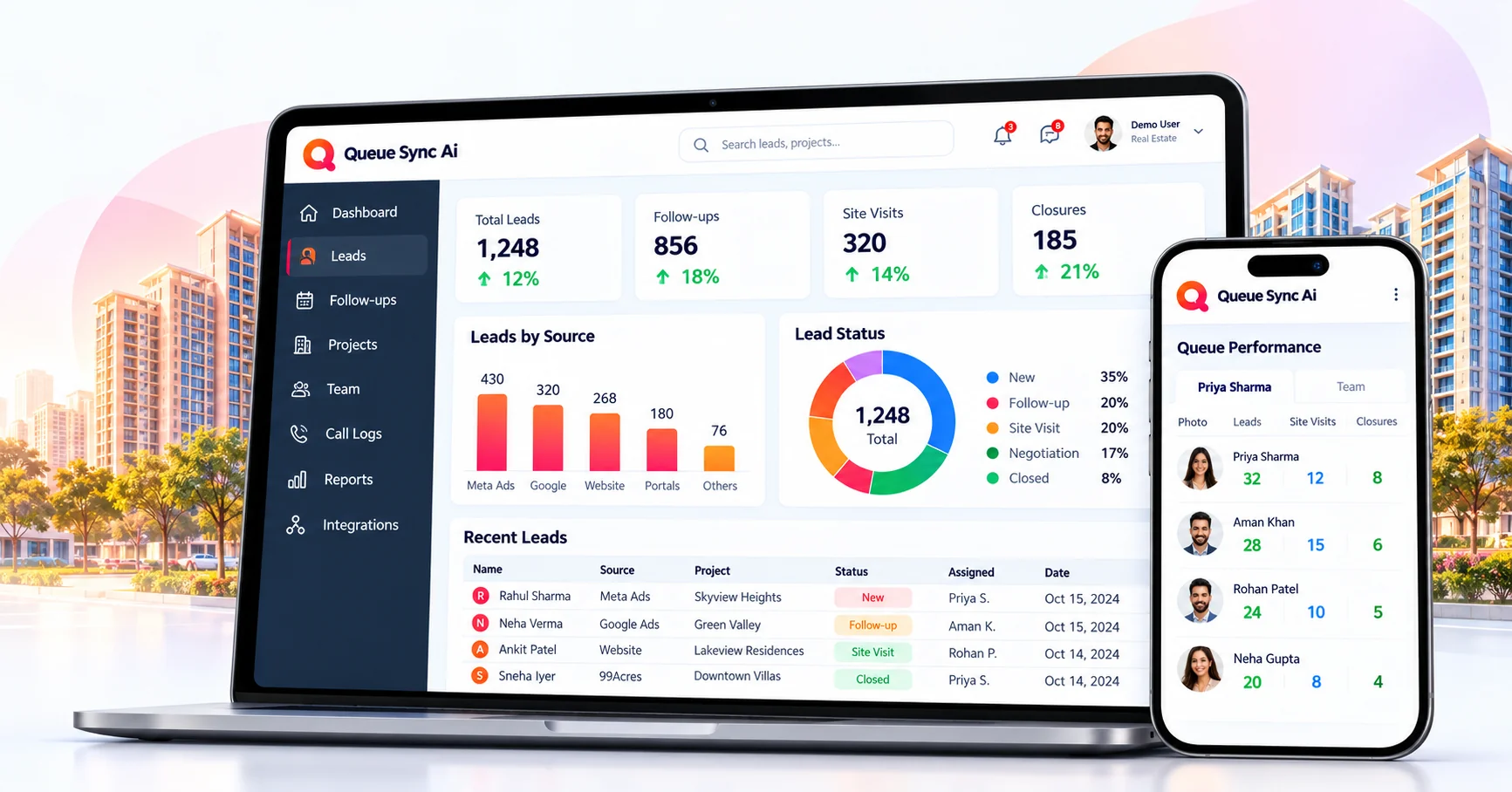
Purposeful tools for real estate sales teams.
Capture, organize and track leads from multiple sources in one place.
Explore moduleKeep reminders and upcoming follow-ups in one clear view.
Explore moduleReview call history and notes for better sales visibility.
Explore moduleManage real estate projects and track project-wise leads.
Explore moduleAssign leads and keep your sales team working together.
Explore moduleBring sales activity into focus with reports and insights.
Explore moduleKeep the next property visit and customer conversation in focus.
Discuss your workflow →Explore lead-source workflows and confirm the setup for your workspace.
Explore integrations →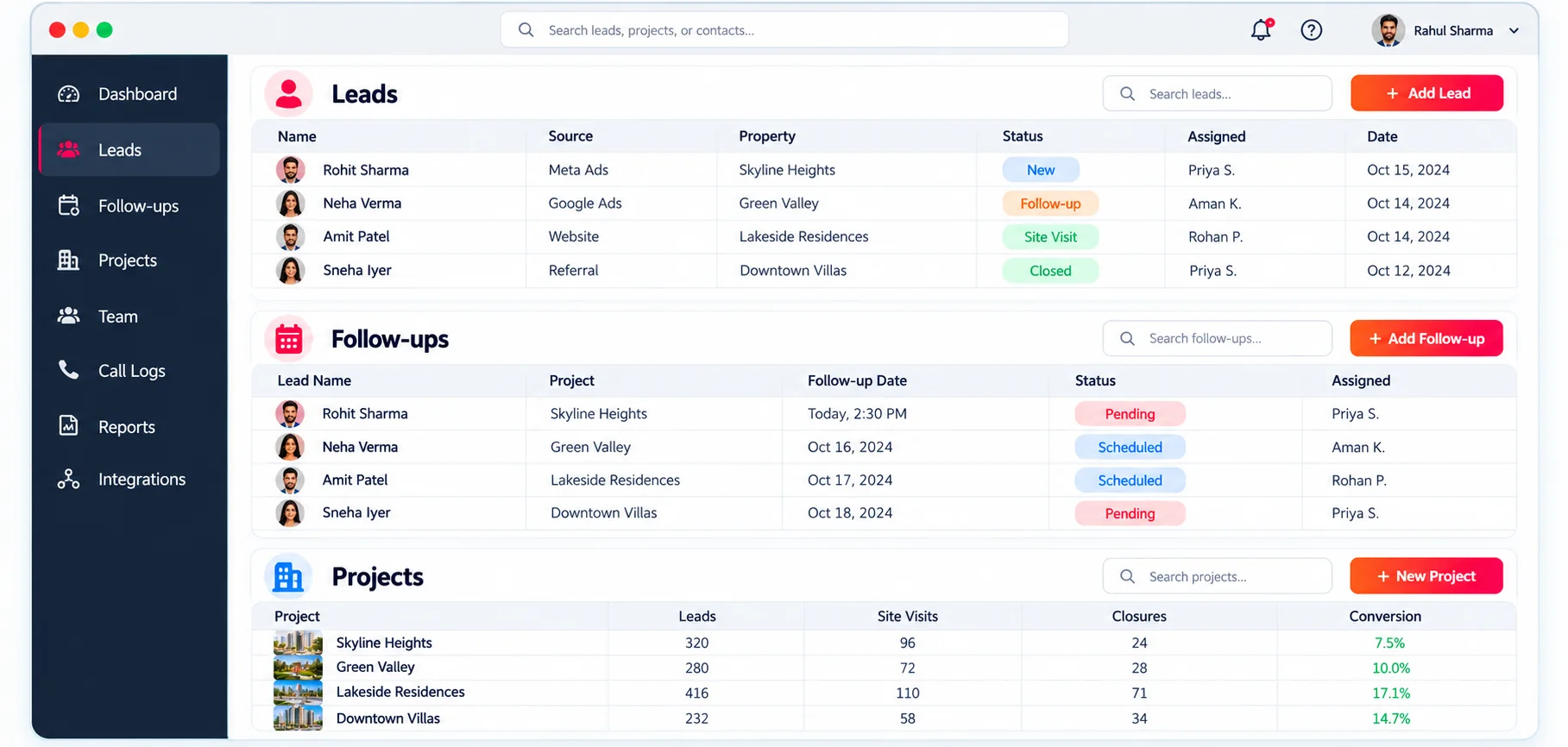
Lead Management
Keep customer details, lead stages and project interests together so your sales team has the context for every conversation.
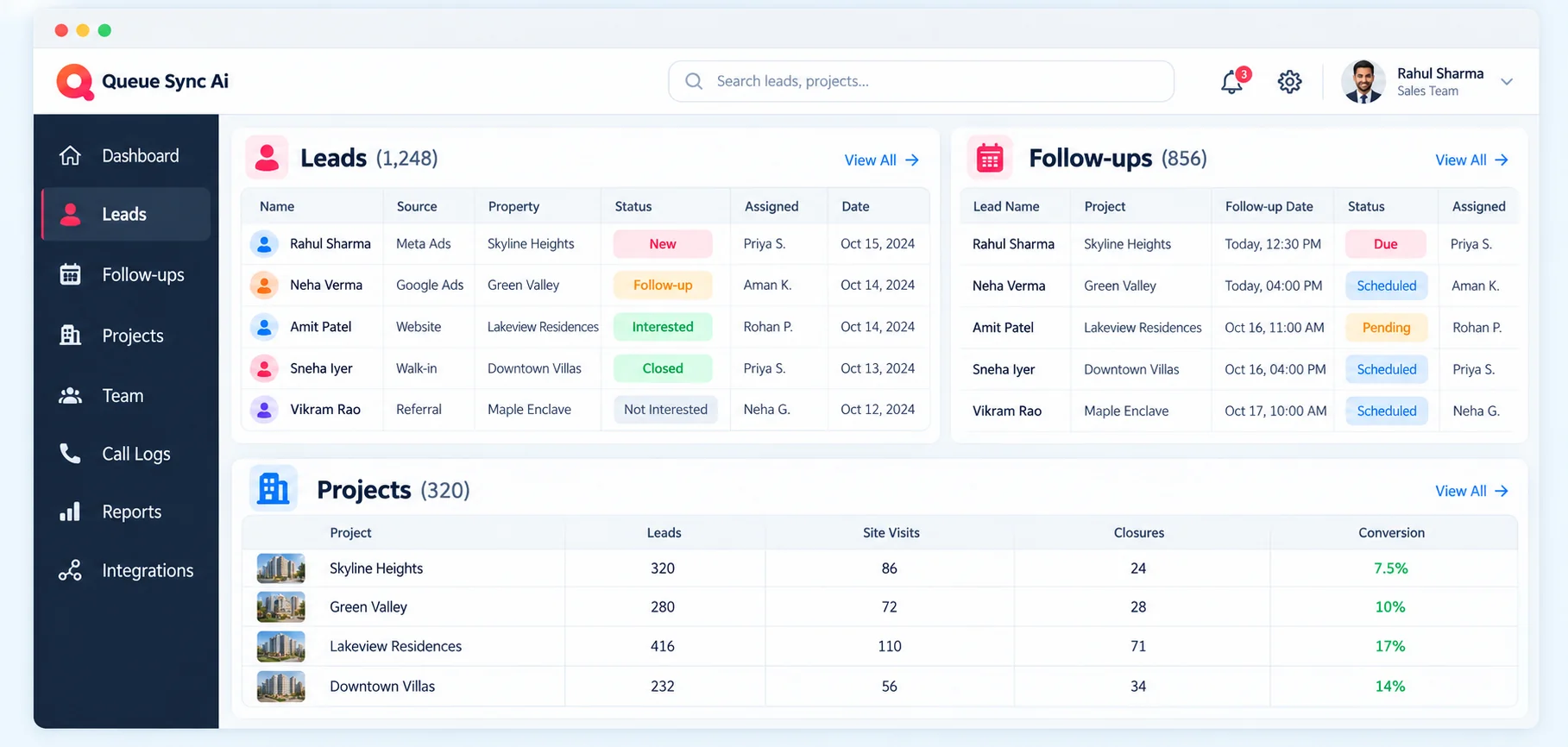
Follow-ups
Stay on top of upcoming conversations with a shared view of follow-up activity and notes.
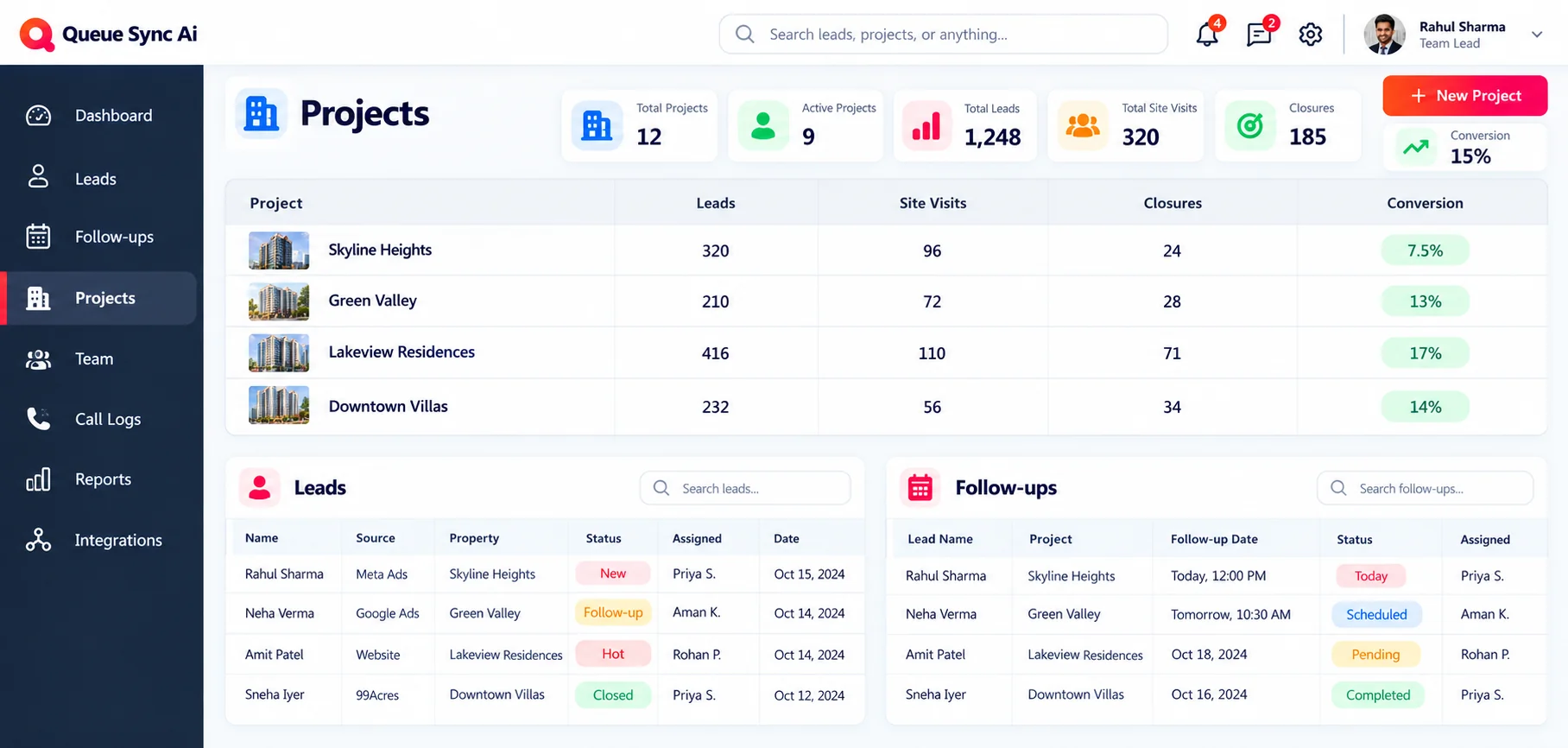
Projects & Team
Bring projects, lead assignments and sales activity into focus. Use the reporting available in your workspace to review progress.
Bring customer details and lead sources into focus.
Keep ownership and the next conversation clear.
Bring call records and follow-up notes together.
Use workspace reports to understand sales activity.
Calling and device-dependent capabilities require supported app configuration and permissions. Integration availability must be confirmed for each workspace.
Talk to us about the tools your real estate team needs.