
Meta Ads
Facebook & InstagramExplore a workflow for bringing Meta lead-form enquiries into your CRM.
Setup to be verifiedDiscuss SetupIntegrations
Bring your real estate lead sources into focus. Explore the right capture workflow for your campaigns, website and property portals.
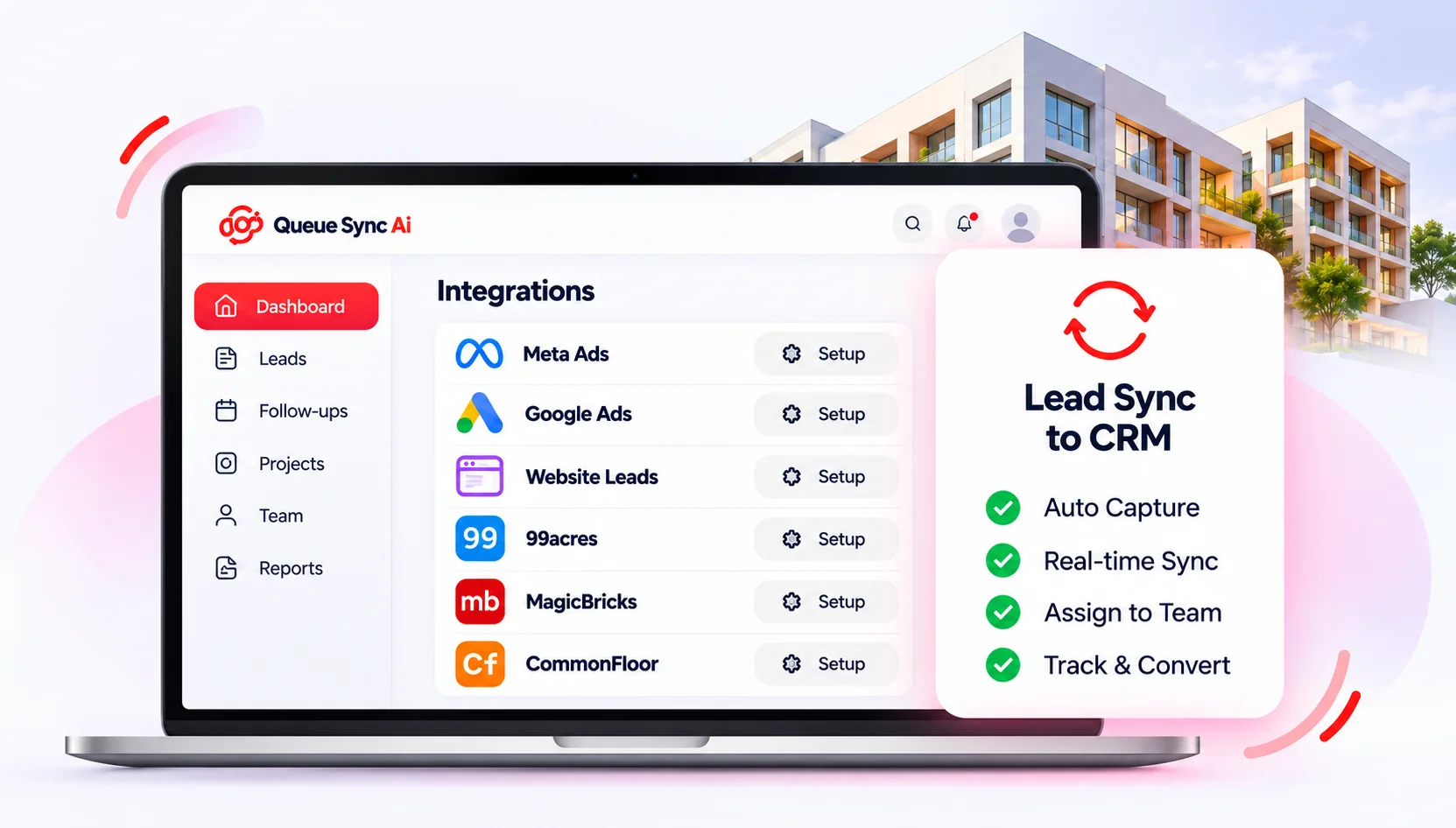
Provider availability and account setup must be verified before activation.
Explore a workflow for bringing Meta lead-form enquiries into your CRM.
Setup to be verifiedDiscuss SetupDiscuss lead capture from your advertising campaigns and landing pages.
Setup to be verifiedDiscuss SetupConnect website enquiries through a secure, verified intake configuration.
Setup to be verifiedDiscuss SetupDiscuss the available intake workflow for your 99acres enquiries.
Setup to be verifiedDiscuss SetupConfirm the supported source workflow for MagicBricks enquiries.
Setup to be verifiedDiscuss SetupConfirm provider access and a suitable enquiry-capture workflow.
Setup to be verifiedDiscuss SetupThe proposed workflow is confirmed during setup.
Confirm provider access and link the appropriate account.
Identify the forms, campaigns or listings to capture.
Verify field mapping and the correct workspace.
Assign ownership and review incoming enquiries.
Let’s confirm the right integration workflow for your team.